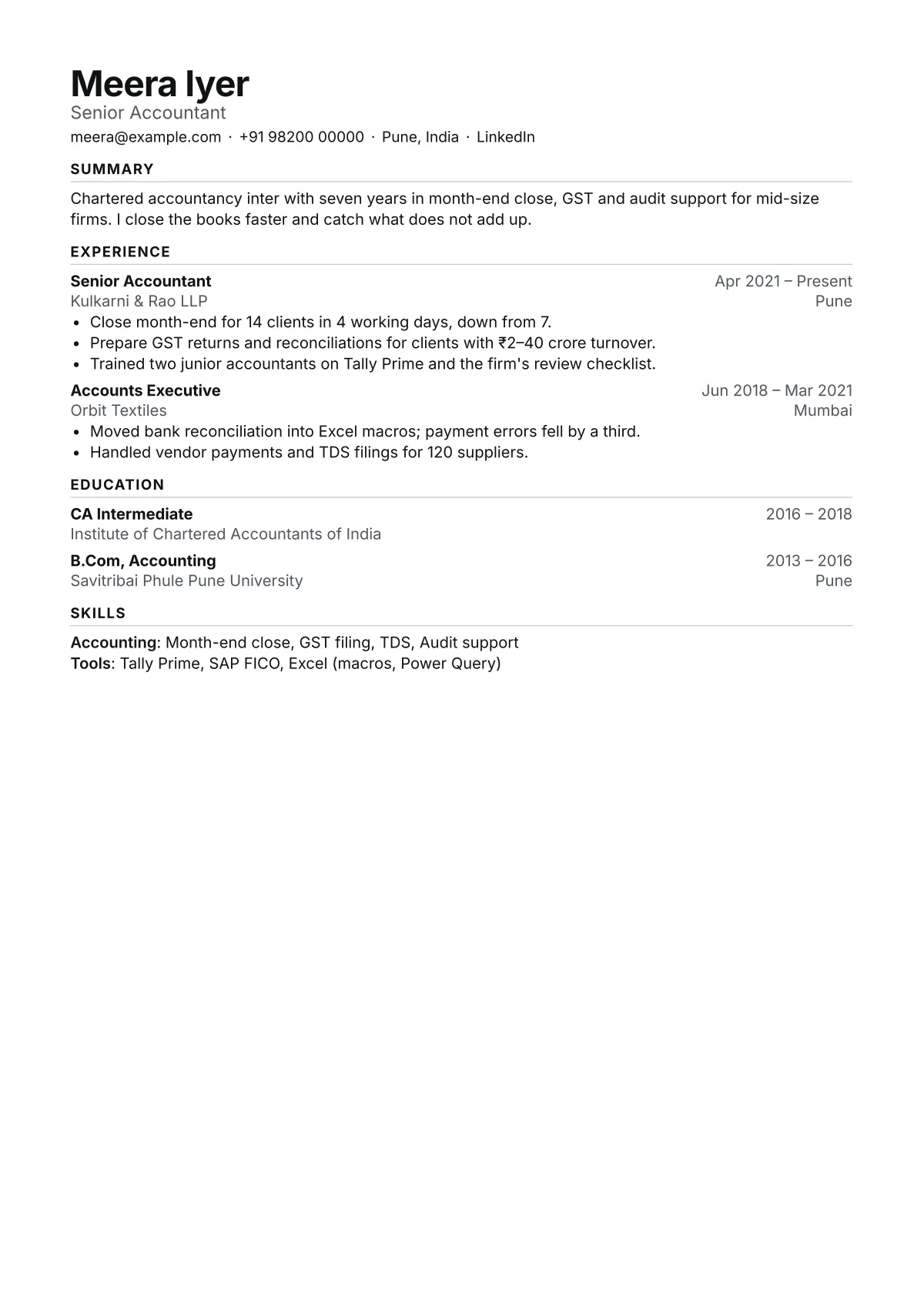
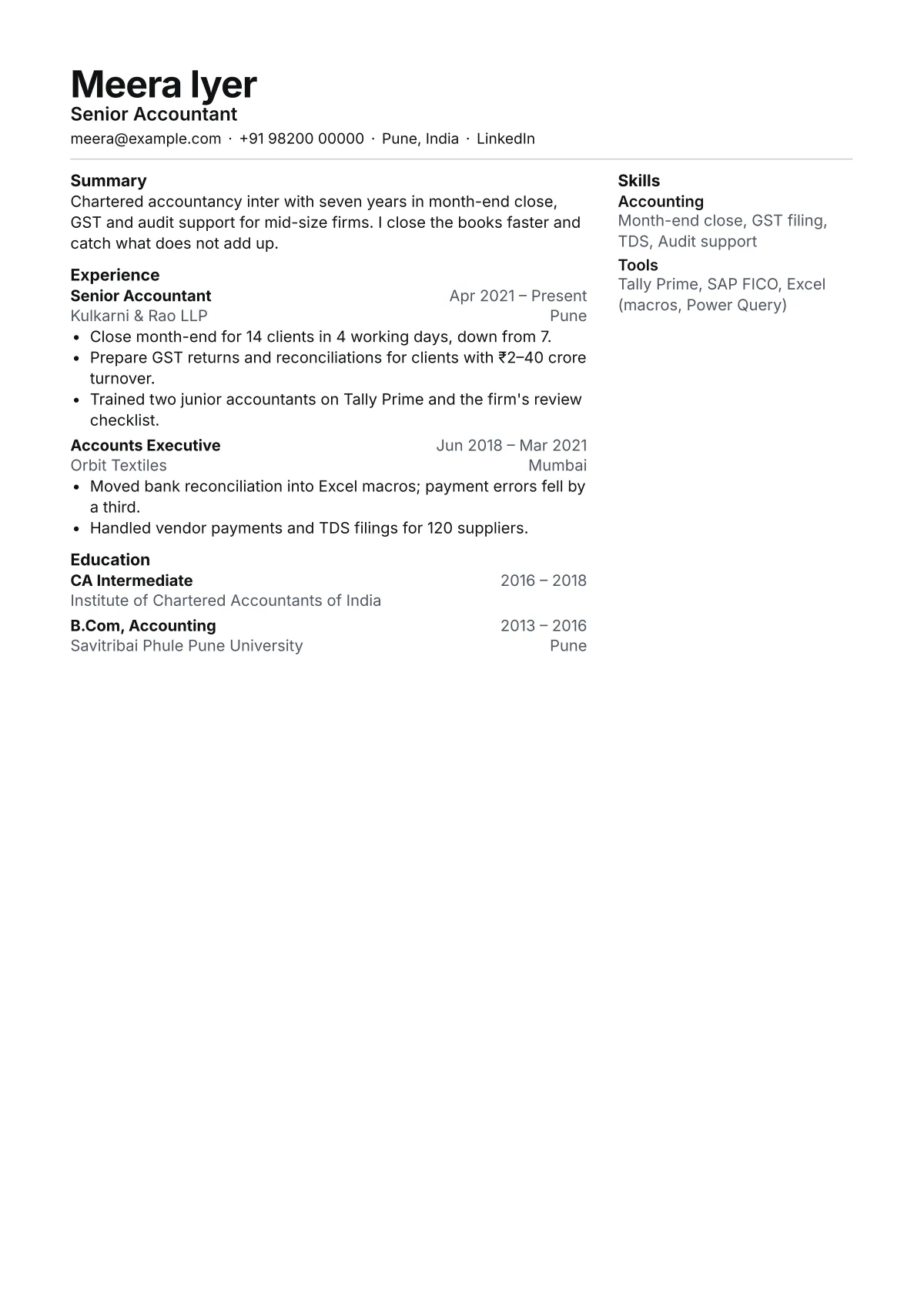
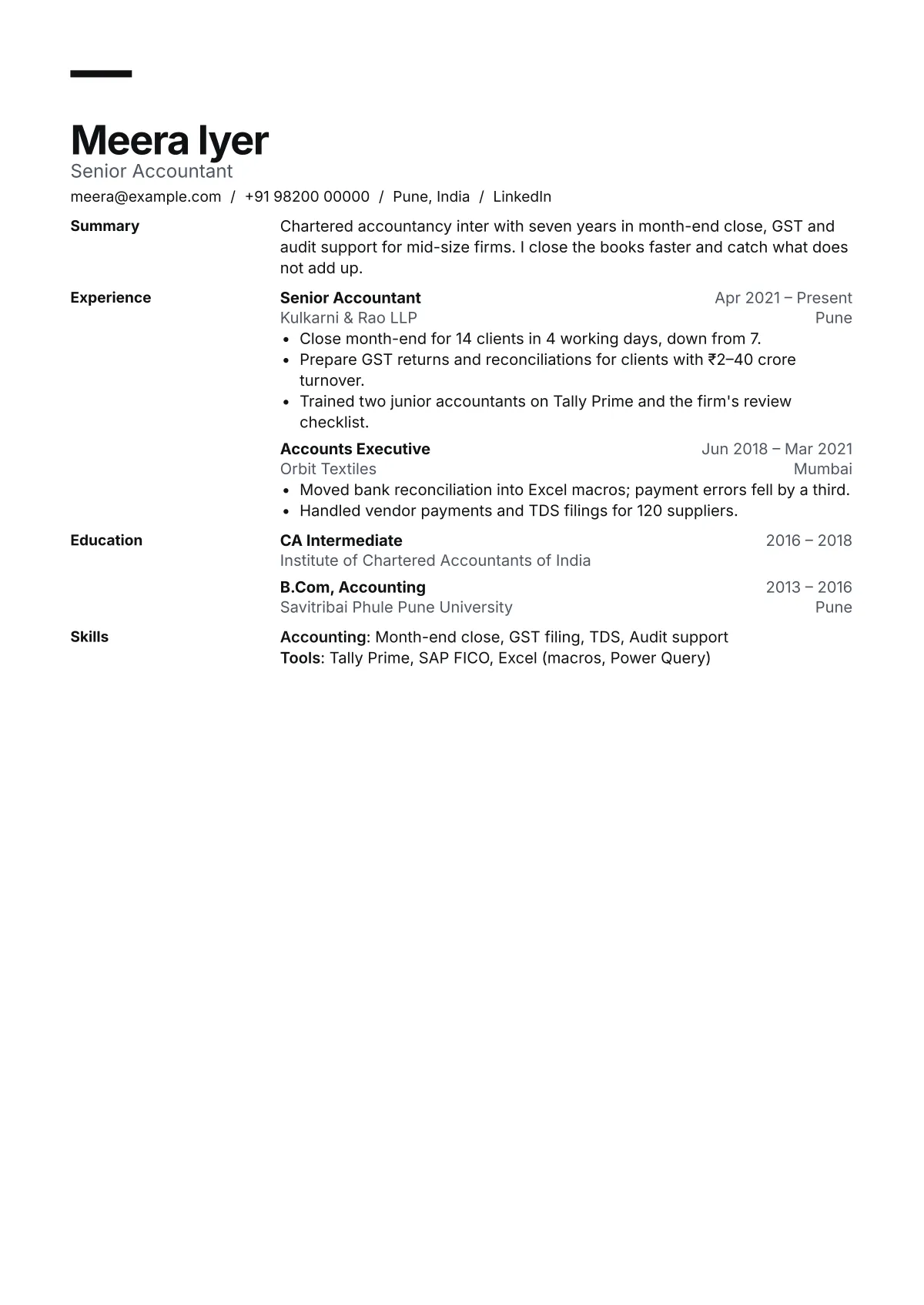
Sample: Meera Iyer (sample). Not a real person. Each page is set by the same typesetter as the editor.
Build your resume and download the PDF free
Pick a template we test by reading its PDF back with a parser. The preview updates as you type, and the PDF you download matches it exactly.
Start without an accountSign in when you download
Your old resume is read on your device, never uploaded. Or start from a sample
Start from where you are, not from a gallery.
42 templates, each tested before it ships: 11,592 of 11,592 test PDFs read back in full on 24 Oct 2026. Pick the line that sounds like you.
- Not sure. I want the safest choice for any jobR-001 Ledger · one column, sans
- Student or fresher, first proper resumeR-008 Fresher · education and projects first, contact on the right
- Retail, cashier or customer serviceR-016 Counter · centred header, skills on one line
- Warehouse, kitchen or other shift workR-017 Shift · one line per role, heading rules run to the margin
- Nurse, carer or healthcare assistantR-015 Bedside · shaded section bars, accent rule under the name
- Electrician, builder or another tradeR-026 Site · one line per job, square markers, accent rule
- Office, admin or receptionR-024 Docket · serif labels in a side column, organisation first
- Data, IT or analyticsR-023 Signal · rules to the margin, skills two to a row
- Sales, with numbers to showR-028 Pitch · header band, accent underlines, skills on one line
- Software engineer, everything on one pageR-002 Plain · one column, serif, dense
- A long list of skills, tools or certificationsR-003 Column · main column with a skills sidebar
- Product, marketing or business roleR-006 Modern · hanging section titles, accent bar
- Fifteen years of history, and they want one pageR-005 Compact · one line per role, tight margins
- Director or VP, applying through a search firmR-007 Executive · serif, centred name, summary first
- Changing careers or coming back after a gapR-009 Switcher · profile panel and skills before history
- Academic, research or medical postR-004 Scholar · academic cv, serif, numbered publications
- Applying in the EU or GermanyR-010 Europa · a4 label column, cefr language table
- Applying in the UAE, Saudi Arabia or QatarR-011 Gulf · personal details block, shaded section bars
- Designer or writer who wants the type to showR-012 Specimen · display name in bricolage grotesque
Compare all 42, with filters for role, country and career stage
What a parser reads from your PDF
An applicant tracking system reads the text in your PDF, not the picture of it. This is what pdf.js pulled out of one sample, field by field.
| Field | Text read from the PDF | Found |
|---|---|---|
| Name | Meera Iyer | Yes |
| Headline | Senior Accountant | Yes |
| meera@example.com | Yes | |
| Phone | +91 98200 00000 | Yes |
| Location | Pune, India | Yes |
| Link | Yes | |
| Latest job title | Senior Accountant | Yes |
| Employer | Kulkarni & Rao LLP | Yes |
| Dates | Apr 2021 – Present | Yes |
| First bullet | Close month-end for 14 clients in 4 working days, down from 7. | Yes |
| Degree | CA Intermediate | Yes |
| School | Institute of Chartered Accountants of India | Yes |
| Skills | Month-end close, GST filing, TDS, Audit support | Yes |
| PDF title | Meera Iyer – Senior Accountant | Set |
In the editor, the Check tab runs the same kind of read on your own resume and compares it with a job post you paste. It all runs in your browser.
Type on the left. The page sets on the right.
Form fields for every section, a checklist to a finished PDF, and the page itself beside them. Your words stay put when you switch template.
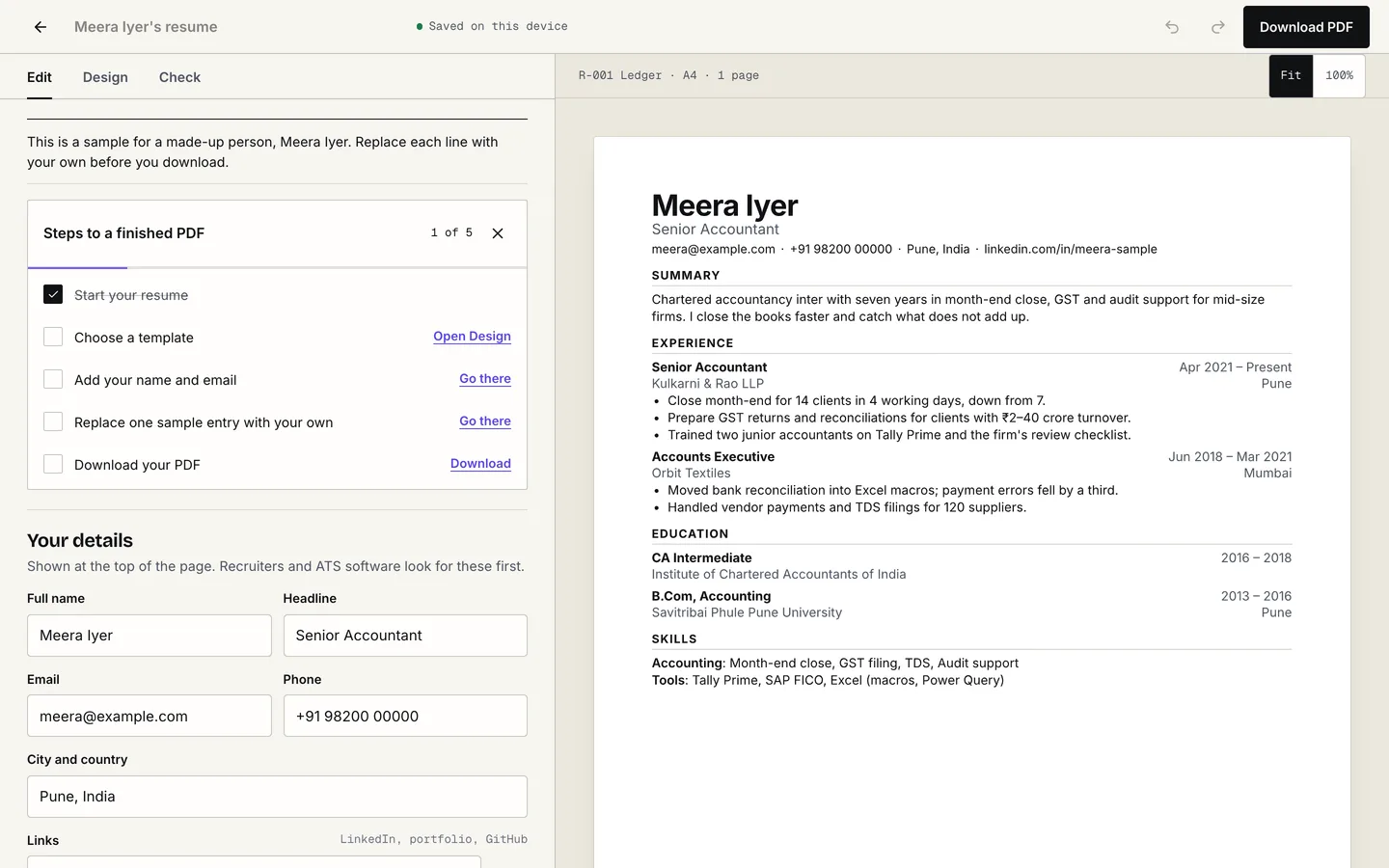
What you get in the editor
- Preview as you type
- The preview is set by the same typesetter that makes your PDF, again a moment after each keystroke, so the download matches it line for line.
- Switch templates
- Your words stay put when you change template, paper size, density or accent colour.
- Country formats
- 7 presets set the paper, date style and personal details for where you are applying.
- Import
- Drop in your old PDF and we fill the form from its text, on your device.
- Check
- Read your PDF back the way a parser would, and match it against a job post.
- Saves itself
- Drafts save in your browser as you go, and to your account once you sign in.
Then turn the same resume into a website
After you download, one button hands the PDF to Dossier's portfolio builder. It reads the resume and sets it as a site you can restyle and publish at a Dossier link.
- Step 1 of 3
Download your PDF
Free with a free account. The file is yours to send anywhere.
- Step 2 of 3
Press “Turn it into a website”
The editor hands the PDF straight to the website builder. Nothing to upload again.
- Step 3 of 3
Pick a look and publish
Shuffle through the looks, then publish at a Dossier link you can put on the resume itself.
Need a cover letter for the same job?
The cover letter maker starts from this resume and the job ad. Your details and results carry over, and the letterhead uses the same template, so the two PDFs read as a set.
The PDF download is free on every plan
Paid plans are for the portfolio site. If you already have one, it covers more resumes too.
Free
No card$0
- Full PDF download, no watermark
- Every template and country format
- 2 saved resumes
- ATS check with a job post
Starter or Pro
Portfolio plansStarter ($9 once) and Pro ($39 a year) are the portfolio plans. Either one also lets you keep up to 200 resumes. The resume download costs the same as on Free: nothing.
Fair questions.
Is the PDF download really free?
Yes. Create a free account and the full PDF downloads, with no watermark, from every template. A free account keeps 2 resumes; Starter and Pro keep up to 200.
Do I need an account to start?
No. Your draft is saved in this browser while you work. You sign in when you download, and the draft moves to your account then, so nothing you typed is lost.
Will my resume get past an ATS?
No builder can promise that, because each employer's system is different. What we can show: every template is set as a PDF with real, selectable text, and our tests read each PDF back with a parser to check every field comes out in order. The results and their dates are on each template's page. We have not yet run them through commercial ATS products.
Can I bring in my old resume?
Yes, as a PDF up to 4 MB. It is read on your device and never uploaded. We fill in the form from its text; check it and fix anything we missed. Scanned images have no text to read.
Which countries does it handle?
Seven formats: US and Canada, UK and Ireland, Europe, Germany, India, the Gulf, and Australia and New Zealand. Each sets the paper size, date style, whether it is called a CV or a resume, and which personal details appear. English only for now.
Does AI write my resume?
No. You write it, or import it. The ATS check compares the text of your own PDF with a job post you paste, in your browser, and lists the missing keywords. AI-assisted tailoring is planned and will be labelled when it arrives.
Start with the resume you already have.
Free · PDF · read on your device · sign in when you download