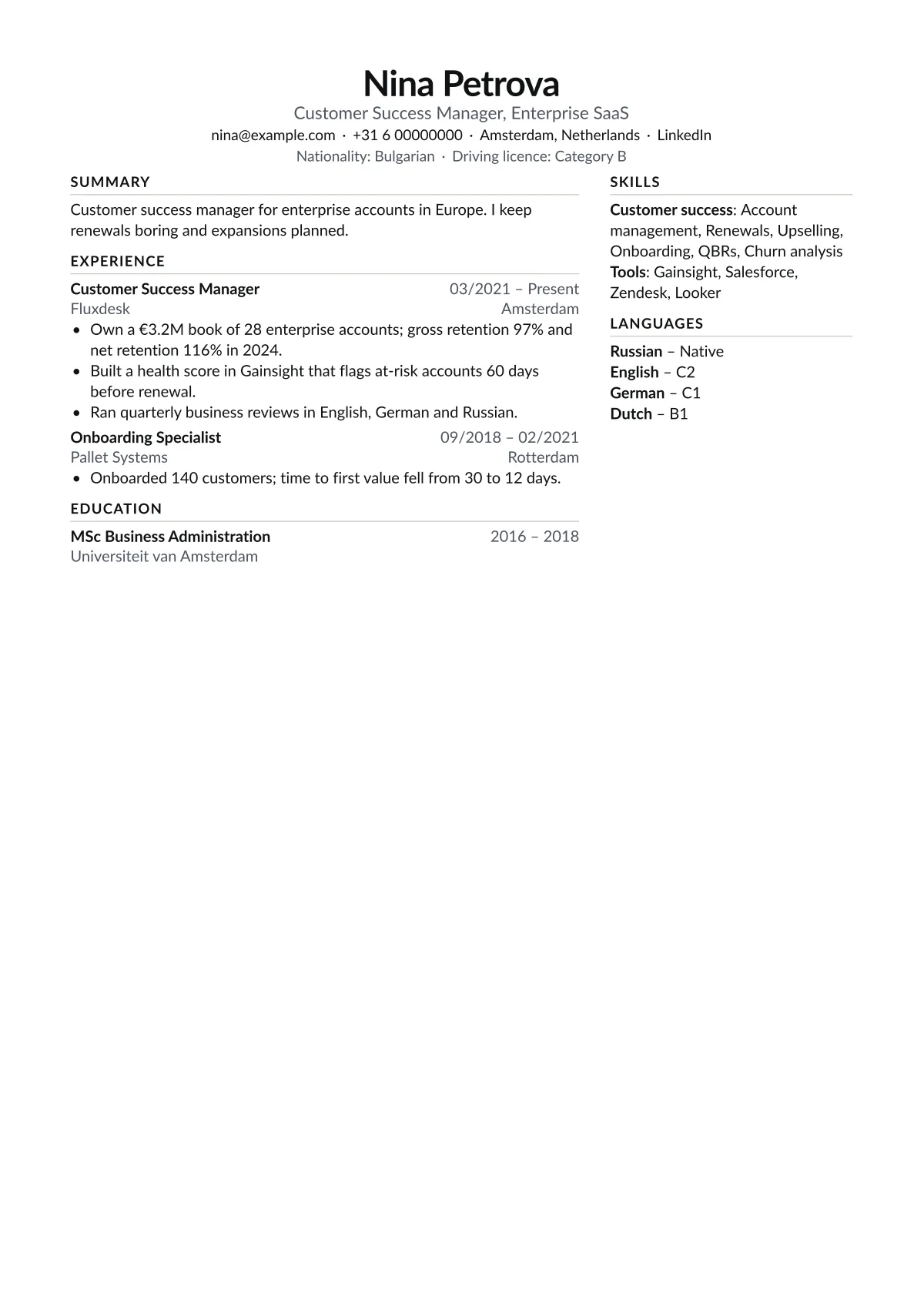
Using Atlas
Why languages sit alongside
For international roles, languages are often the deciding filter. Keeping them in a sidebar means they are seen on the first scan, next to the experience they support.
How to fill it
Give each language a level (CEFR A1 to C2, or Native). Under each role, name the markets or regions and the result. Keep certifications in the sidebar with dates.
When to pick another
For a single-country role, Ledger keeps everything in one column. For EU public applications, Europa follows the Europass order.
Words to use
The layout is half of it. For the terms recruiters search for, see the keyword lists for customer success manager, business analyst and project manager resumes.
About Atlas
How should I list language levels?
Use CEFR levels (A1 to C2) or Native. Avoid words like good or fluent, which mean different things to different readers.
Is Atlas good for consulting?
Yes. Lead each role with the client sector and the outcome, and keep tools in the sidebar.
Does the sidebar break parsing?
No. The main column is written first, and our tests check that order on every sample.